macOS personal configuration
Recently, I accidentally deleted my macOS user files, which caused the Photos app to fail to open and become unrepairable. I had to reinstall macOS and back up my frequently used apps and configuration settings.
v2rayN
xattr -cr /Applications/v2rayN.app
#https://raw.bgithub.xyz/free18/v2ray/refs/heads/main/v.txt
#https://raw.bgithub.xyz/free18/v2ray/refs/heads/main/c.yaml
Homebrew
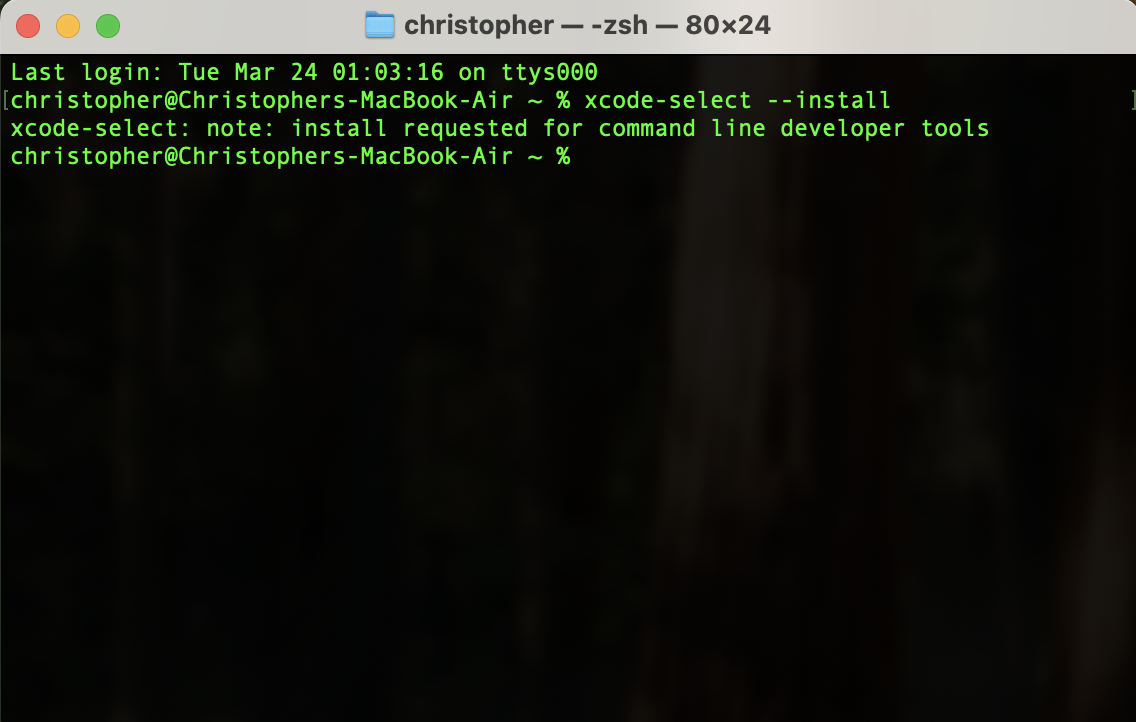
Install Xcode CLT
xcode-select --install
xcode-select --help
echo 'eval "$(/opt/homebrew/bin/brew shellenv)"' >> ~/.zshrc
echo 'eval "$(/opt/homebrew/bin/brew shellenv)"' >> ~/.zprofile
echo 'export HOMEBREW_API_DOMAIN="http://mirrors.tuna.tsinghua.edu.cn/homebrew-bottles/api"' >> ~/.zprofile
echo 'export HOMEBREW_BOTTLE_DOMAIN="http://mirrors.tuna.tsinghua.edu.cn/homebrew-bottles"' >> ~/.zprofile
brew help
git
git version
git config --global user.name "liubao"
git config --global user.email "paulluis.dev@gmail.com"
JDK 8
java -version
#java version "1.8.0_441"
#Java(TM) SE Runtime Environment (build 1.8.0_441-b07)
#Java HotSpot(TM) 64-Bit Server VM (build 25.441-b07, mixed mode)
Maven
#!/usr/bin/env bash

bash --version 2>&1 | head -n 1

set -eo pipefail
SCRIPT_DIR=$(cd "$(dirname $0)" && pwd)
echo $SCRIPT_DIR

MVN_GZ_URL="https://archive.apache.org/dist/maven/maven-3/3.6.3/binaries/apache-maven-3.6.3-bin.tar.gz"

if ! [[ -f "$SCRIPT_DIR//apache-maven-3.6.3-bin.tar.gz" ]]; then
    echo "Downloading from $MVN_GZ_URL"
    curl -Lsfo "$SCRIPT_DIR/apache-maven-3.6.3-bin.tar.gz" $MVN_GZ_URL
fi
if ! [[ -f "$SCRIPT_DIR//apache-maven-3.6.3-bin.tar.gz" ]]; then
    echo "Please download manually."
    exit -1
fi

if ! [[ -d "/opt/apache-maven-3.6.3" ]]; then
    echo "Extracting..."
    sudo tar xzvf apache-maven-3.6.3-bin.tar.gz -C /opt
fi

echo "$PATH"
echo 'export PATH=$PATH:/opt/apache-maven-3.6.3/bin' >> ~/.zshenv
source ~/.zshenv
mvn -v
Application Requirements
| name | url | Architecture |
|---|---|---|
| Google Chrome | https://www.google.cn/chrome/ | aarch64 |
| FDM | https://www.freedownloadmanager.org/ | Intel64 |
| v2rayN | https://github.com/2dust/v2rayN | aarch64 |
| Clash Verge | https://github.com/clash-verge-rev/clash-verge-rev | aarch64 |
| IDEA | https://www.jetbrains.com/idea/ | aarch64 |
| Visual Studio Code | https://code.visualstudio.com/ | aarch64 |
| Homebrew | https://brew.sh/ | aarch64 |
| Stats | https://mac-stats.com/ | aarch64 |
| XnView MP | https://www.xnview.com/ | aarch64 |
| Snipaste | https://www.snipaste.com/ | aarch64 |
| Eudic | https://www.eudic.net/ | aarch64 |
| JDK 8 | https://www.oracle.com/java/technologies/javase/javase8u211-later-archive-downloads.html | aarch64 |
| Pandoc | https://pandoc.org/ | aarch64 |
| Docker | https://www.docker.com/ | aarch64 |
| Maven | https://maven.apache.org/ | aarch64 |
| Keka | https://www.keka.io/ | aarch64 |
| Spotify | https://www.spotify.com/ | Intel64 |
| IINA | https://iina.io/ | aarch64 |